🎮 Game Controls & Keyboard Guide
Play Cube Speed Dash Fullscreen on theQuizZone
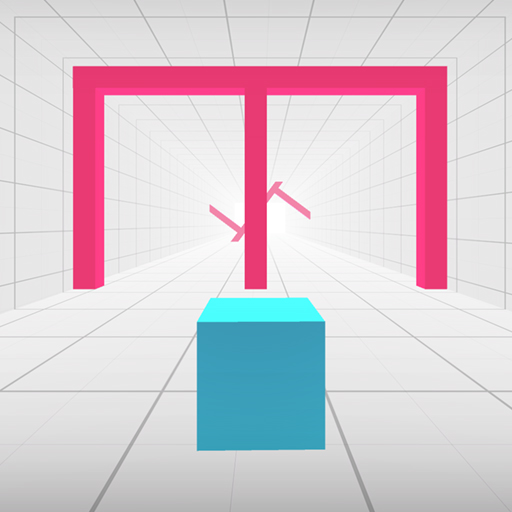
Jump, dash, and survive in Cube Speed Dash, a high-speed arcade challenge where every second counts! Master lightning-fast reflexes as you guide a nimble cube through treacherous obstacle courses filled with spikes, traps, and deadly pitfalls. One wrong move—and it’s game over!
Step directly into the action with Cube Speed Dash. This top-tier Arcade title combines immersive visuals with addictive, responsive browser mechanics.
⚡ Key Features
🎮 Responsive Controls
Optimized for smooth keyboard, mouse, and touchscreen input across all devices.
🌟 High-Def Visuals
Crisp graphics with 60 FPS smooth rendering for an immersive visual experience.
⭐ Pro Tips & Strategy
Maintain a steady rhythm and avoid rushing when navigating through narrow obstacle gaps. Learn the attack and movement patterns of recurring obstacles to predict safe intervals.





Complete Guide & Gameplay for Cube Speed Dash
To excel in Cube Speed Dash, start by familiarizing yourself with the responsive controls. As the difficulty scales, maintaining composure and steady rhythm will be key to conquering high levels.
This classic Casual browser title is fully optimized for HTML5 browsers, delivering responsive physics and immersive action on desktop, mobile, and tablet platforms without downloads.
